
Tooling & Productivity
Ladybug 🐞
4 March 2026
Ladybug is a drop-in widget that lets users submit support tickets with screen recordings and screenshots, so support teams can understand issues faster without back-and-forth.
Visit our site at https://ladybug.hack2026.gov.sg/
Opportunity
What problem we're working on, and why does it matter
When public officers use government tools like Plumber, they sometimes get stuck, not because of bugs, but because they are unsure how to do something. They submit support tickets, but these often lack enough detail for support teams to help quickly.
Our research found that 25–50% of tickets need follow-ups just to understand the problem, and support staff often re-read tickets two to three times before they can respond.
This matters because we want users to get assistance quickly, and we want product teams to spend less time trying to interpret incomplete tickets. When support is slow and frustrating, it negatively affects how users perceive the product. Faster, clearer support should improve the overall user experience.
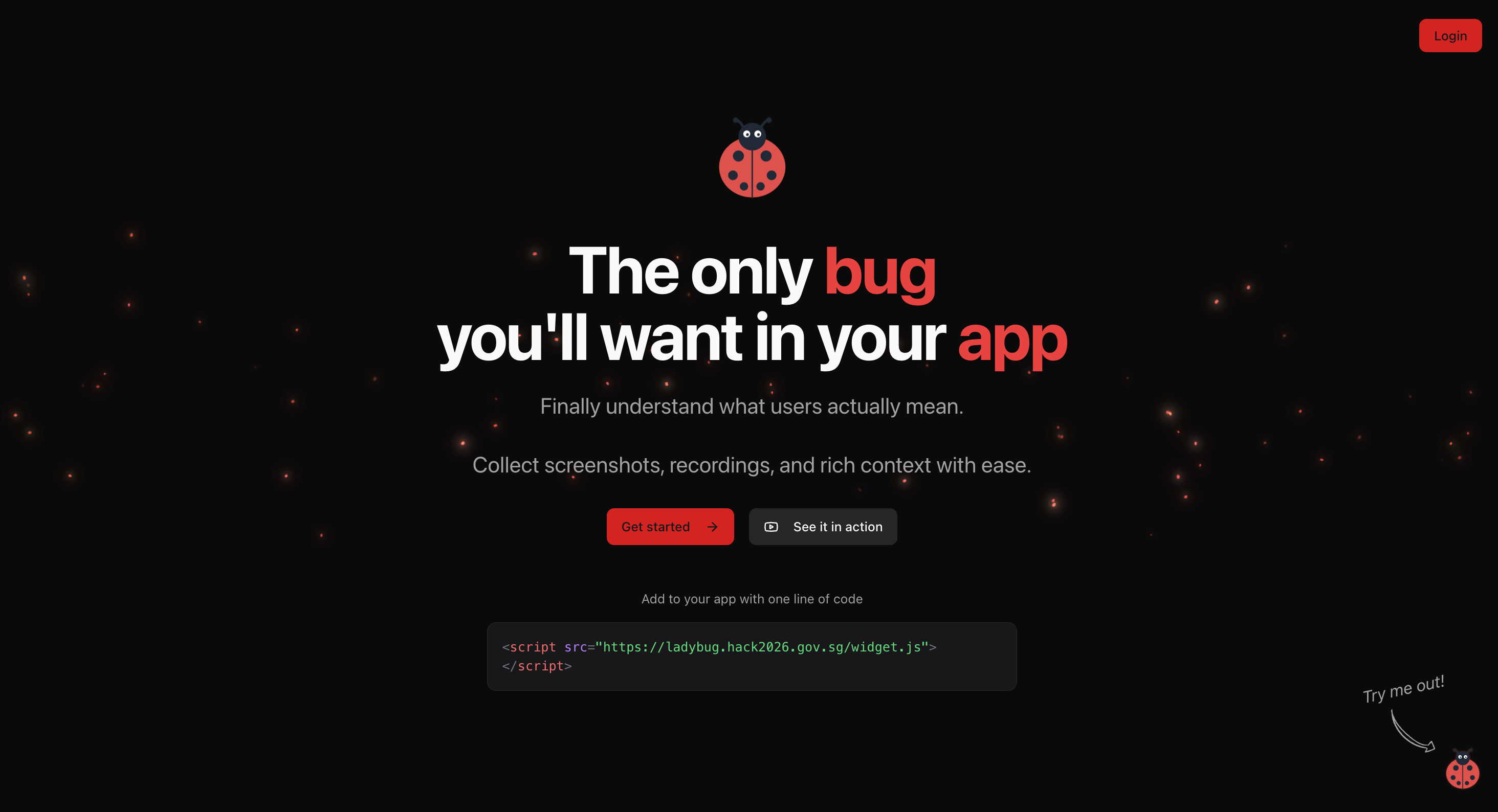
Add Ladybug to your app with one line of code to collect screenshots, recordings, and rich context from users.
Velocity
What we've built over the last month
We built a working MVP: a lightweight widget that can be added to any product with a single line of code. Here's what it does:
Lets users screen-record their issue (with cursor tracking) and submit it directly to support
Surfaces recordings on an admin dashboard and triggers an email notification to the product team
Integrates seamlessly with CRMs and workflows that admins already use (e.g. Zendesk, Gitbook) — we were intentional about not creating yet another ticketing tool
The widget is functional but has not yet been deployed on any live product
Key pivot: We shifted from positioning this as a "bug catcher" to focusing on helping users explain product usage problems, which turned out to be the more common pain point.
.png)
Users can submit support tickets with screenshots or screen recordings directly from the widget.
Additional features to further furnish support tickets
Beyond the core widget, we built three additional features to make tickets more actionable for support teams:
.png)
Auto-generated draft response from Gitbook MCP
Draft response auto-generation: When a ticket comes in, Ladybug will automatically draft a suggested reply based on existing documentation. Support agents spend less time composing responses from scratch and can focus on resolving issues faster.
We were intentional about not creating yet another Zendesk. Instead, the widget integrates seamlessly with CRMs and workflows that admins already use.
.png)
Connect Ladybug to your existing tools like Zendesk or Gitbook so support tickets land where your team already works.
Trends over time: An analytics view surfaces recurring issues across tickets, helping product teams spot patterns and decide what to fix or improve next.
.png)
Auto-tagging and analytics
Traction
How real people are using it, and what is happening as a result
There is no production usage yet. However, we interviewed four product support teams, Kampung Spirit, Isomer, LetterSG, and Bright and all expressed strong interest in having this widget on their product.
Support leads shared that screen recordings with voice narration would "significantly reduce the need for clarification calls." One support lead noted that it would "allow me to easily understand what problem the user is facing" — a pain point that currently requires multiple back-and-forth exchanges to resolve.
One team rated the potential impact at 6.5/10, noting it could shorten resolution times significantly. Staff from Tan Tock Seng Hospital also indicated the tool would be helpful for their context.
Next step: deploying on Plumber.gov.sg to get feedback and iterate.