
Scams
checkQR
26 January 2026
Instantly verify if a QR code links to a genuine Singapore government website

Problem
Citizens cannot easily verify if a QR code links to a genuine Singapore government website or a phishing site.
QR codes have increasingly become a part of everyday life in Singapore, especially post-COVID. From payments to restaurant menus to HDB flyers, citizens must scan QR codes to access daily services.
However, the rise of QR codes has also created an opportunity for scammers to target unsuspecting citizens. In 2023 for example, posters containing fraudulent QR codes masquerading as OneService Lite QR codes were found in HDB lift lobbies.
We found that citizens, especially seniors, often:
Don't know how to scan QR codes
Are scared of scanning QR codes because they are afraid of scams
Think they wouldn't fall for scams or just don't check QR code links before clicking
While QR code scams are still somewhat nascent in Singapore, overall scams have led to signicant losses to citizens, with the Singapore Police Force reporting that net scam losses amounted to $930 million in 2024. Government impersonation scams in particular, where citizens believe they are interacting with official government platforms or representatives, have led to a loss of $151 million in 2024, reported SPF. Given the rise in QR codes and scam trends across the world, scams from QR codes in Singapore will likely continue to grow.
Source:
Chua Chu Kang Town Council. (2023, January 20). Fraudulent QR code masquerading as OneService (OS) Lite QR code. https://www.ccktc.org.sg/fraudulent-qr-code-masquerading-as-oneservice-os-lite-qr-code/
Singapore Police Force. (2025). Annual Scams and Cybercrime Brief 2024 (p. 1). ScamShield. https://www.scamshield.gov.sg/files/Scams%20and%20Cybercrime%20Briefs/2024_annual_scams_and_cybercrime_brief.pdf
Objective
Build a simple, fast, official tool that lets citizens instantly verify whether a QR code links to a genuine Singapore government website before they click it, helping to prevent QR code phishing scams.
User Testing
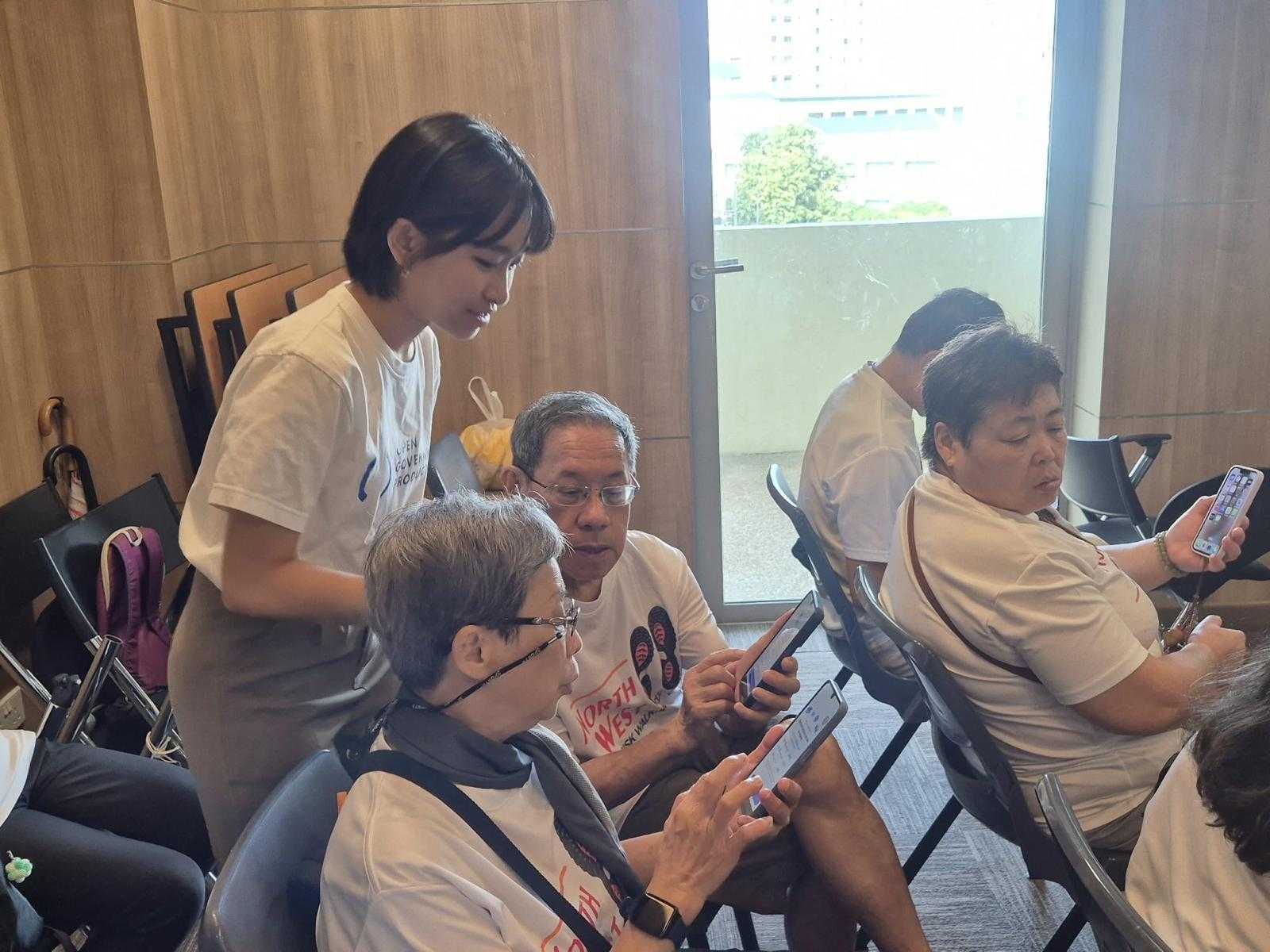
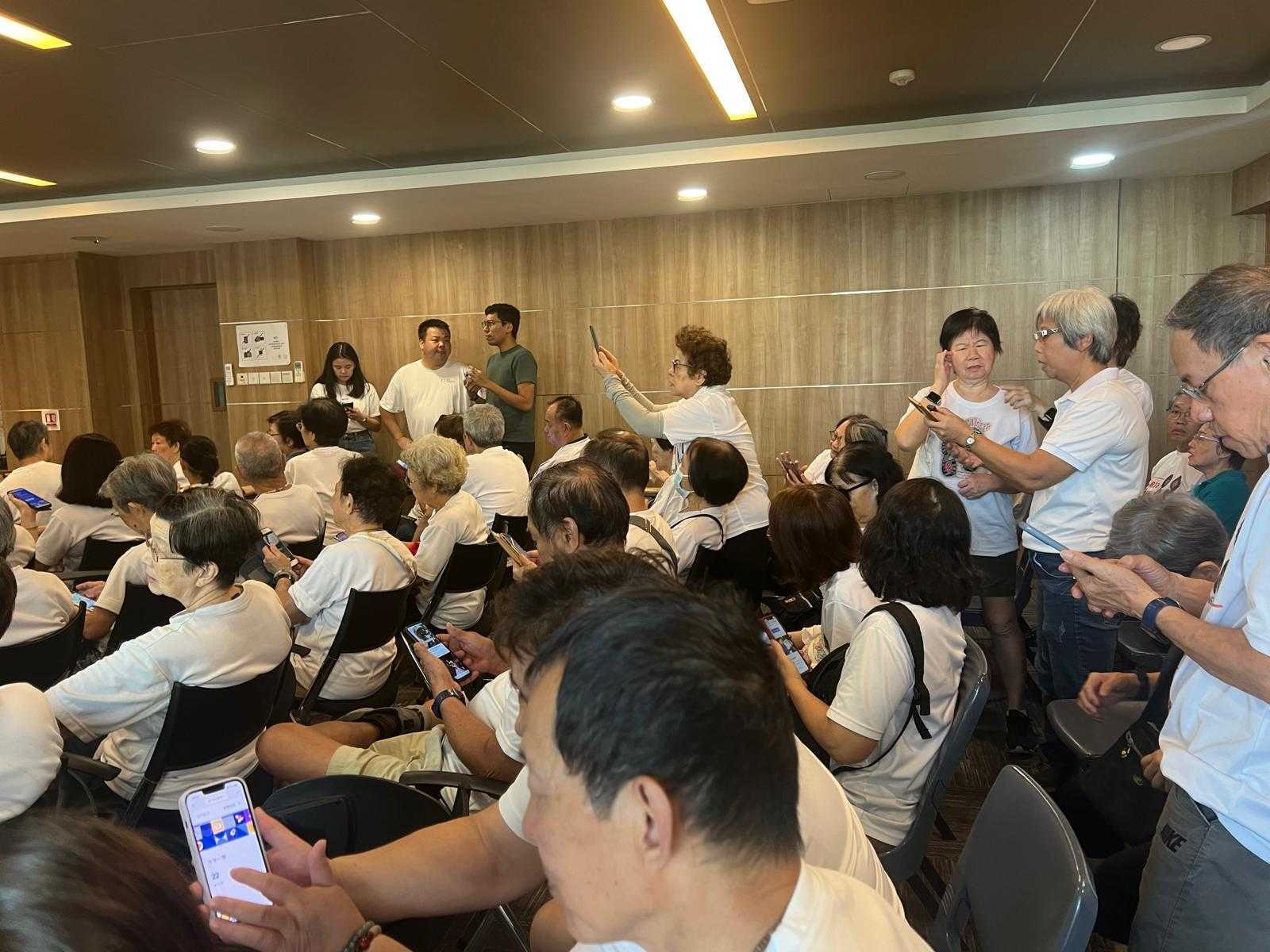
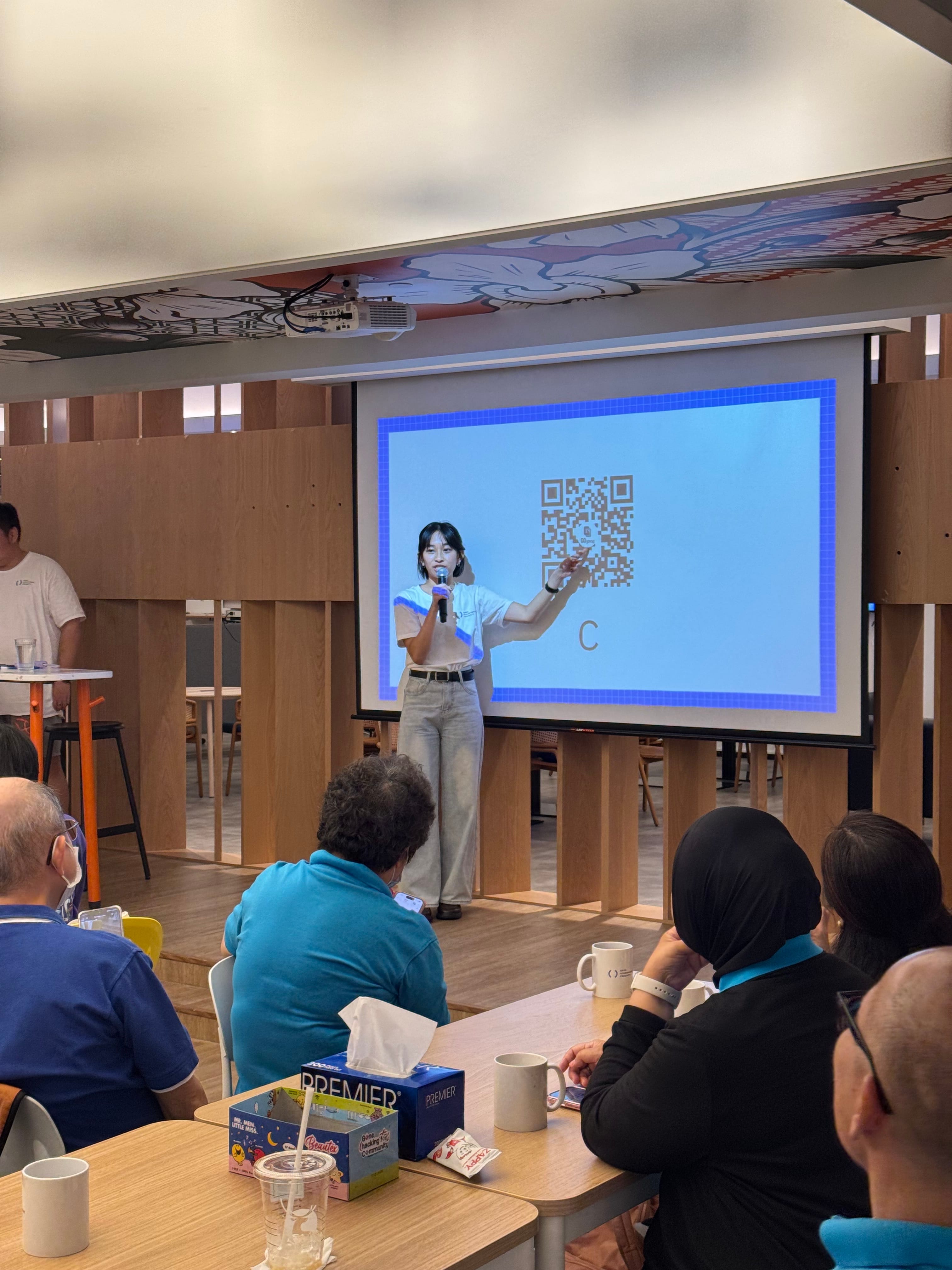
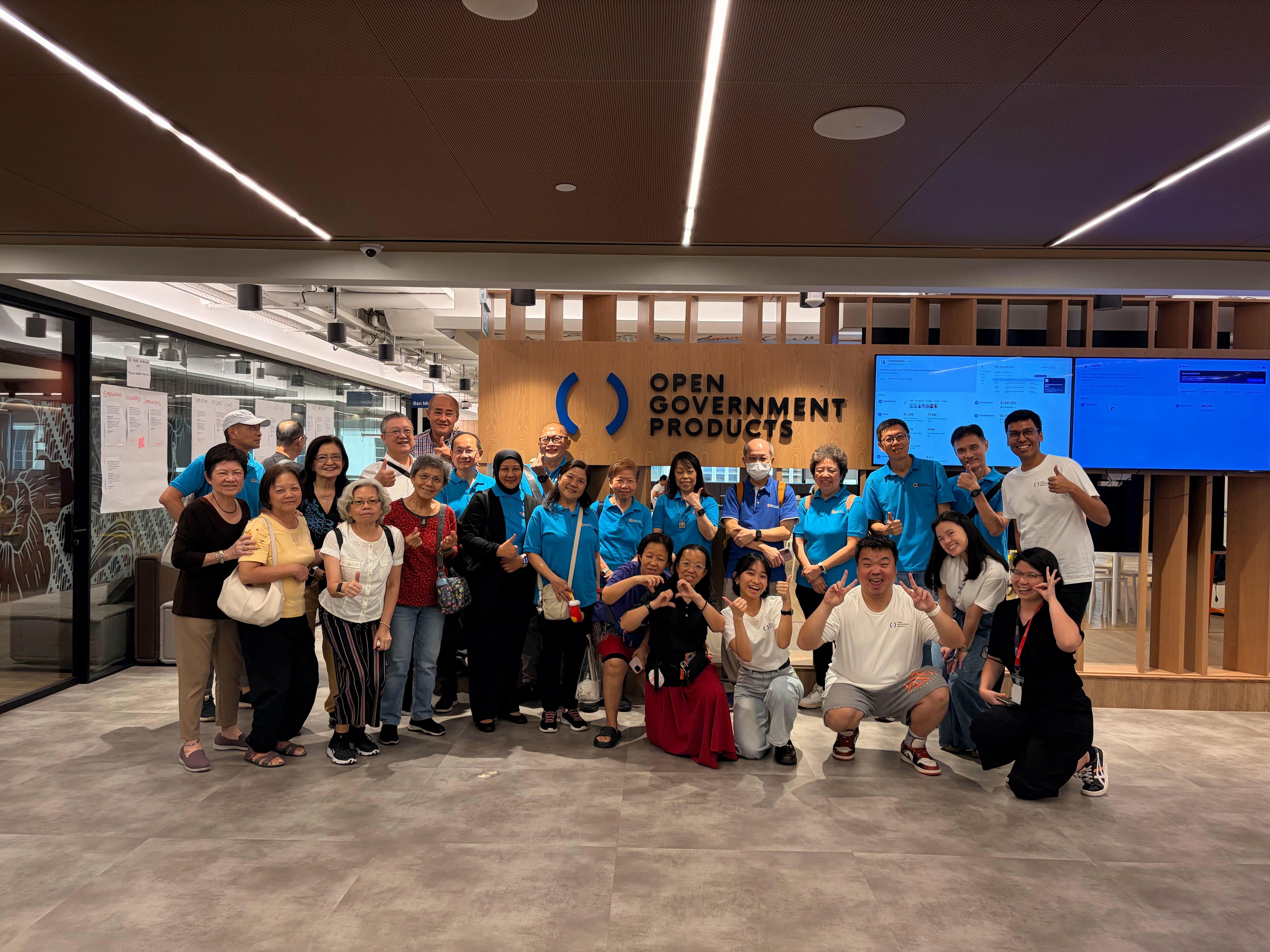
We conducted three user testing sessions with citizens to:
Validate whether QR scanning/phishing is actually a problem for citizens
Do citizens, especially seniors, actually scan QR codes?
If so, do they know when a QR code links to a scam site? Can they differentiate whether a website is actually from the government?
If this is a problem, validate whether our CheckQR app and flow work for citizens.
Some insights we found from testing:
Some seniors know how to scan QR codes while others don't. Those that did scan QR codes use different methods - some use their phone's built-in camera while others use third party apps or accidentally take a picture instead of scanning.
Most do not check or don't know how to check the QR code URL - they just proceed directly to the website.
People often use context clues and location to determine whether a QR code is safe to scan or not. While this can be useful, this also means bad actors can capitalise on this trust (such as in 2023 when a scammer posted a fraudulent OneService QR code in an HDB lift).
Seniors especially understand the risk of scams and are willing to protect themselves from scams, but there is often a knowledge gap in knowing how to do so.
Overall we concluded that:
Yes, citizens do scan QR codes and face difficulties in verifying whether a QR code was from the government or not. Even many seniors who are less tech savvy, do scan QR codes from time to time, even if they don't scan everyday. When they do scan QR codes, it is important that they can trust the links they click on. Furthermore, it is difficult for them to see the URL on many native and third party QR scanning apps, and differentiate whether a website is actually from the government or not.
Citizens did find the checkQR app and flow intuitive and easy to use. However, some were concerned about downloading yet another app, and wanted to make sure that checkQR could provide utility beyond just verifying government QR codes, perhaps becoming their default QR scanner app.
Building a MVP
Given the short timeframe of Hack for Public Good, we needed to figure out what were the most essential features for the checkQR MVP.
Of highest priority were:
A simple to use QR code scanner - unless the app was user friendly, citizens would not use the app. An easy-to-use UI would also make it more likely that they would use checkQR as their default QR scanning app, making sure it was top of mind whenever they needed to scan QR codes.
Verification of government and non-government websites - this was the key differentiator for checkQR to help ensure that we could help citizens identify genuine government websites, preventing QR code phishing scams.
Other features were nice-to-have, but less essential:
History of QR code links - a favourite feature of many users, this helps to increase adoption and also would help in the future to eventually report fraudulent QR codes.
Link sharing - nice-to-have, but not immediately essential.
Report phishing QR codes - many of our user testers requested this feature, however we felt that this could be built out once we validated our MVP.
Crosscheck with list of blacklisted websites - another requested feature from user testers, but this would mean the decoding would no longer be completely on-device. Something we can consider in the future.
Solution
We built a simple, fast, official tool that lets citizens instantly verify if a QR code links to a genuine Singapore government website before they click it.
User Experience
Scan mode: Point your phone camera at a QR code → app decodes it instantly → shows result
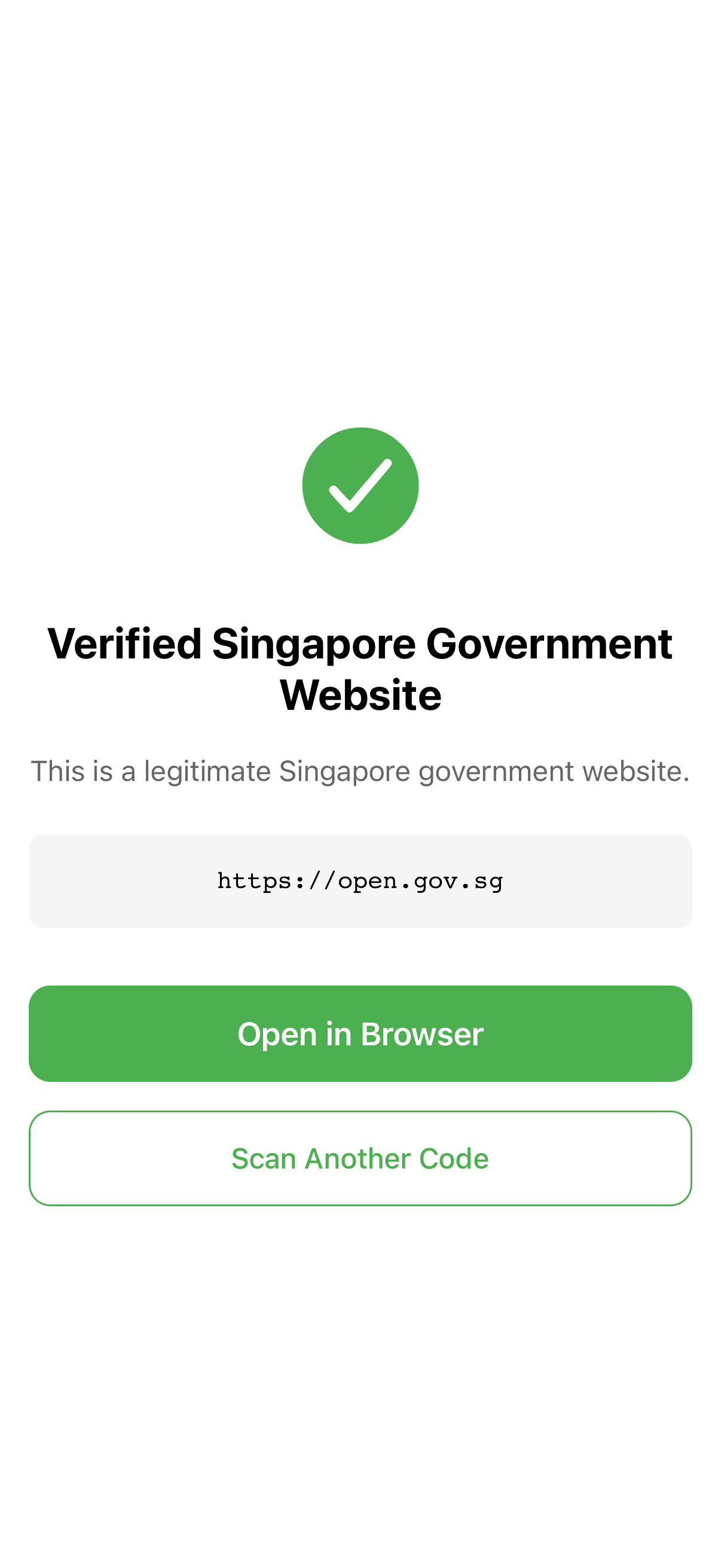
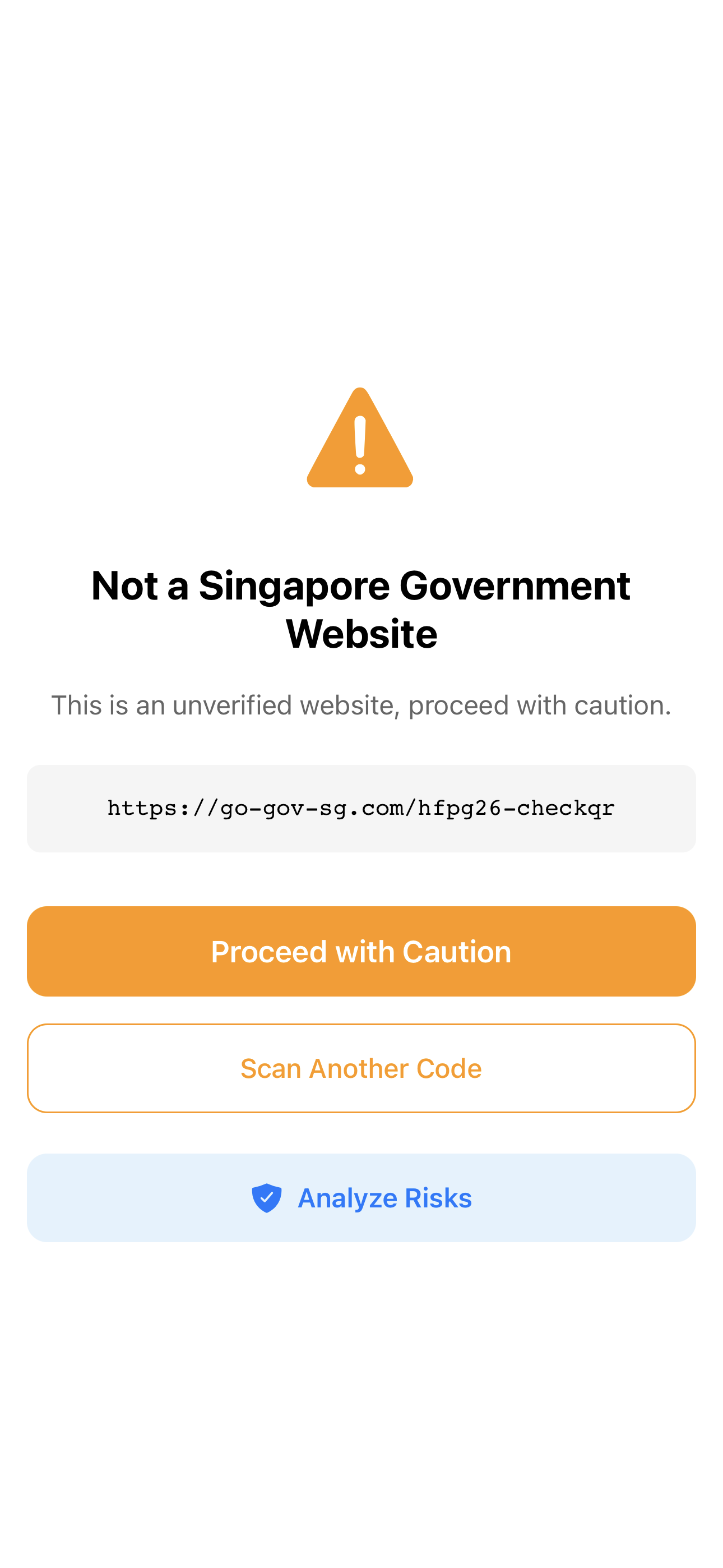
Clear output: "Verified Government Link" (green) or "Not a Government Link" (orange)
One-tap action: No navigation, no menus, just scan and get an answer
Technical Architecture
Cross-platform mobile app (iOS/Android)
On-device processing: QR decoding happens on the user's device (not sent to servers) → instant results, no latency, privacy-first
Regex validation: Uses a simple regex pattern to check if the decoded URL matches legitimate .gov.sg domains
Minimal dependencies: No fancy frameworks, no ads, no bloat
Key Features
Real-time verification
Works on low-end devices
Clear distinction between verified .gov.sg vs. everything else
No sign-up required
Traction
As of 30 January 2026:
70+ research participants
~80% say they would use checkQR
Initiated conversations with People's Association to conduct checkQR education sessions with seniors
What's Next
Risk Analysis
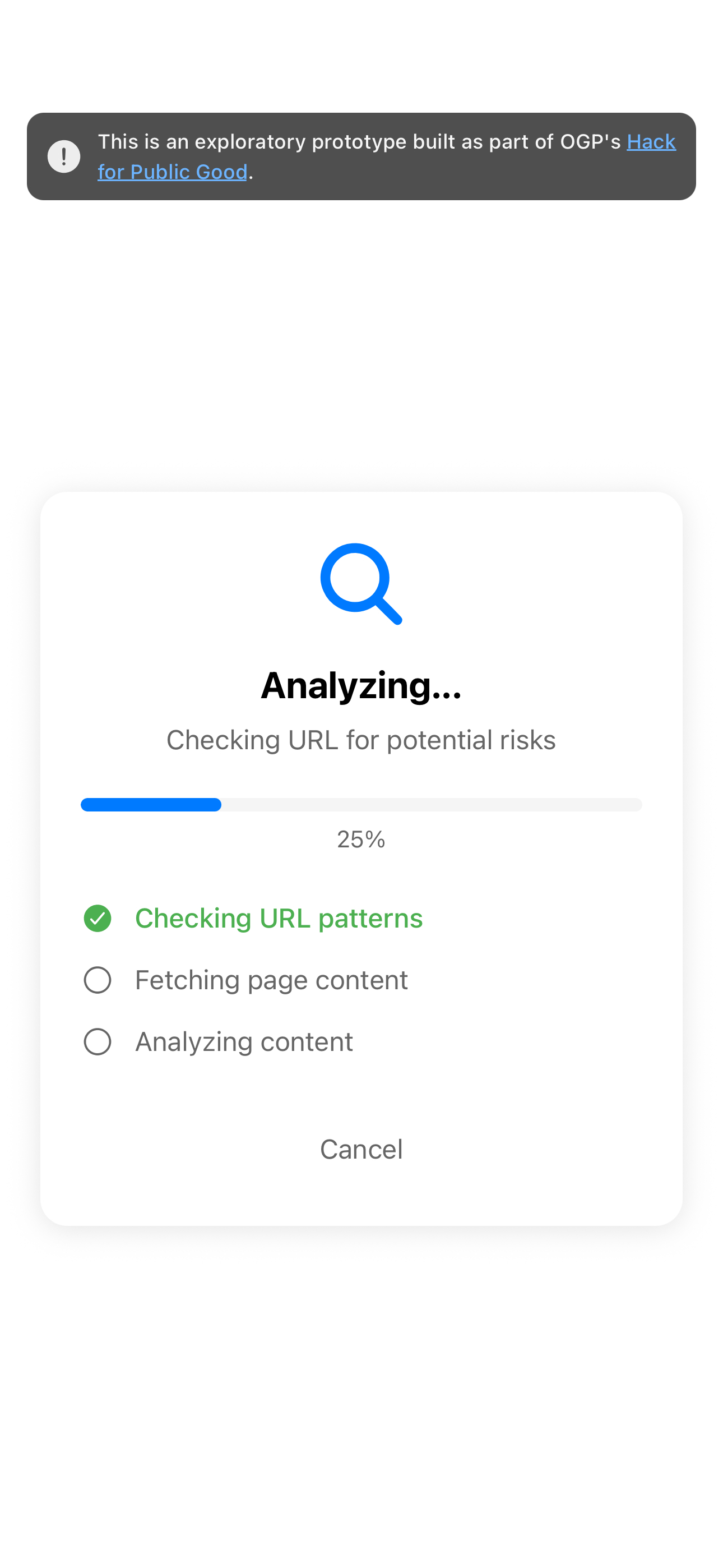
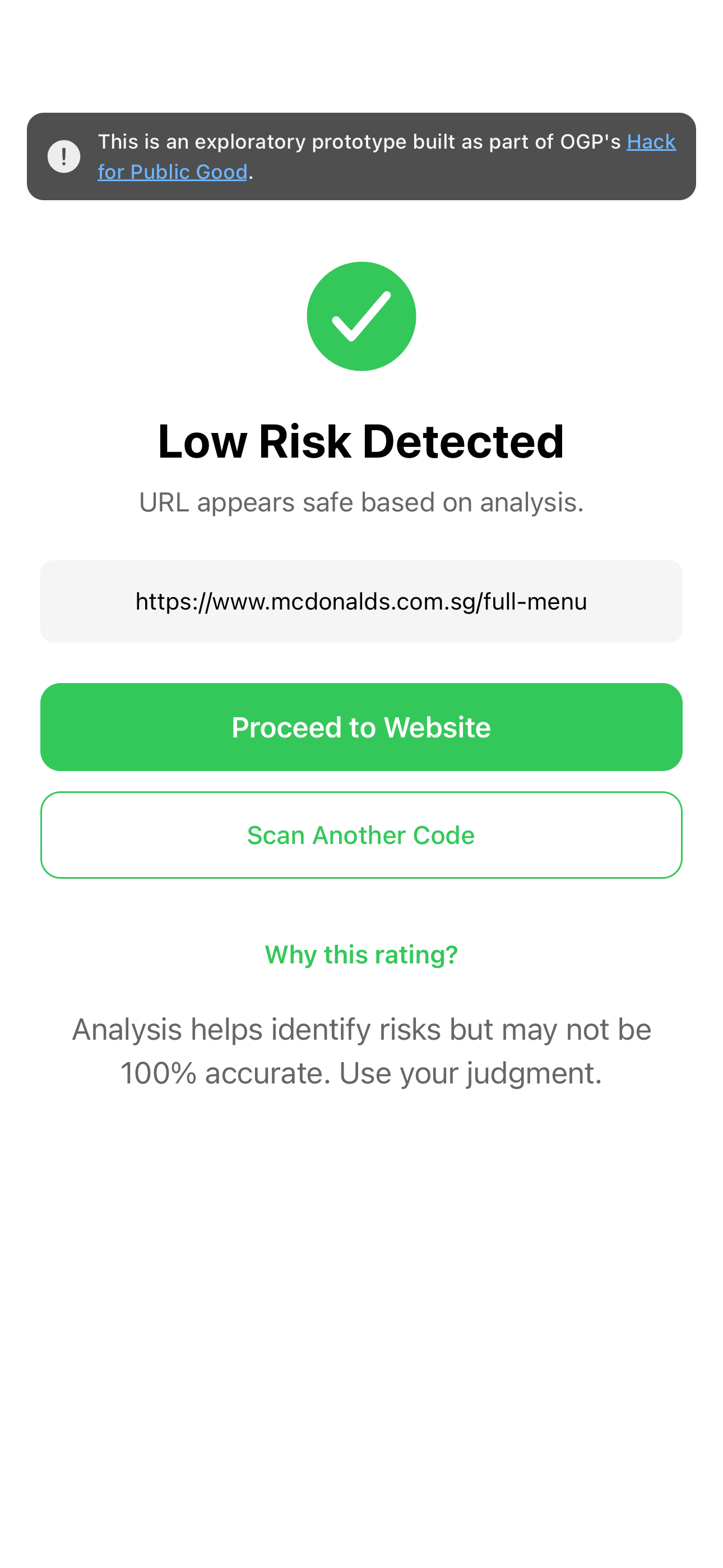
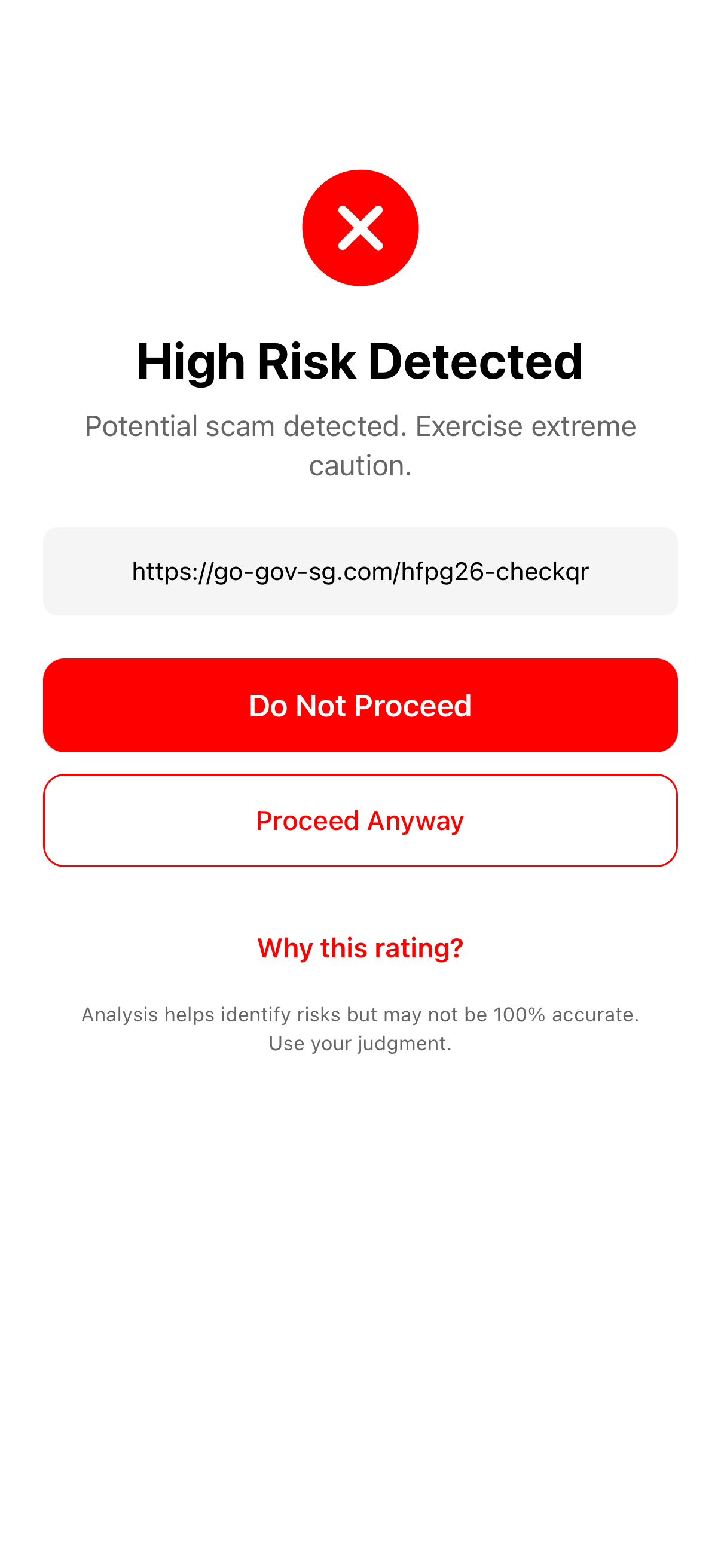
Initial user testing showed that citizens wanted not only to identify genuine government websites, but also to gauge the risk level of non-government websites. As such we are working on a new feature that allows users to analyse the risk of non-government websites, based on a series of pre-determined criteria.
This risk analysis helps users understand whether a website is seemingly low risk or whether there is a "high risk detected", helping empower them to protect themselves from potentially risky websites.
Digital Inclusion Reach
Our research found that while many seniors may be internet-connected, they do not feel confident in using technologies such as QR code scanning. Given the simplicity of checkQR and the potential for the tool to help the less tech-savvy feel more confident scanning QR codes, we hope to partner with other government organisations who are already working to close the digital divide, especially among seniors.
Some of these groups that we plan to work with include:
The SG Digital Office, which has trained over 340,000 seniors in digital skills. This represents an immediate potential user base
People's Association Active Ageing Communities - this network spans Singapore's 27 Community Clubs
The Digital for Life movement which has an ecosystem of over 400,000+ beneficiaries and 300+ partners
Expanding Beyond Singapore
Our stretch goal is that eventually we hope to expand checkQR beyond Singapore. Given the relative simplicity of the app, we believe the tool could be useful for other governments. Instead of the regex validation for gov.sg other countries could check if the decoded URL matches their respective government domain (e.g. gov.my or gov.kh).
Try checkQR yourself!
Android users: Google Play Store
iPhone users: Apple Testflight
Please note that checkQR is still in beta testing and is an experimental prototype as part of Hack for Public Good.